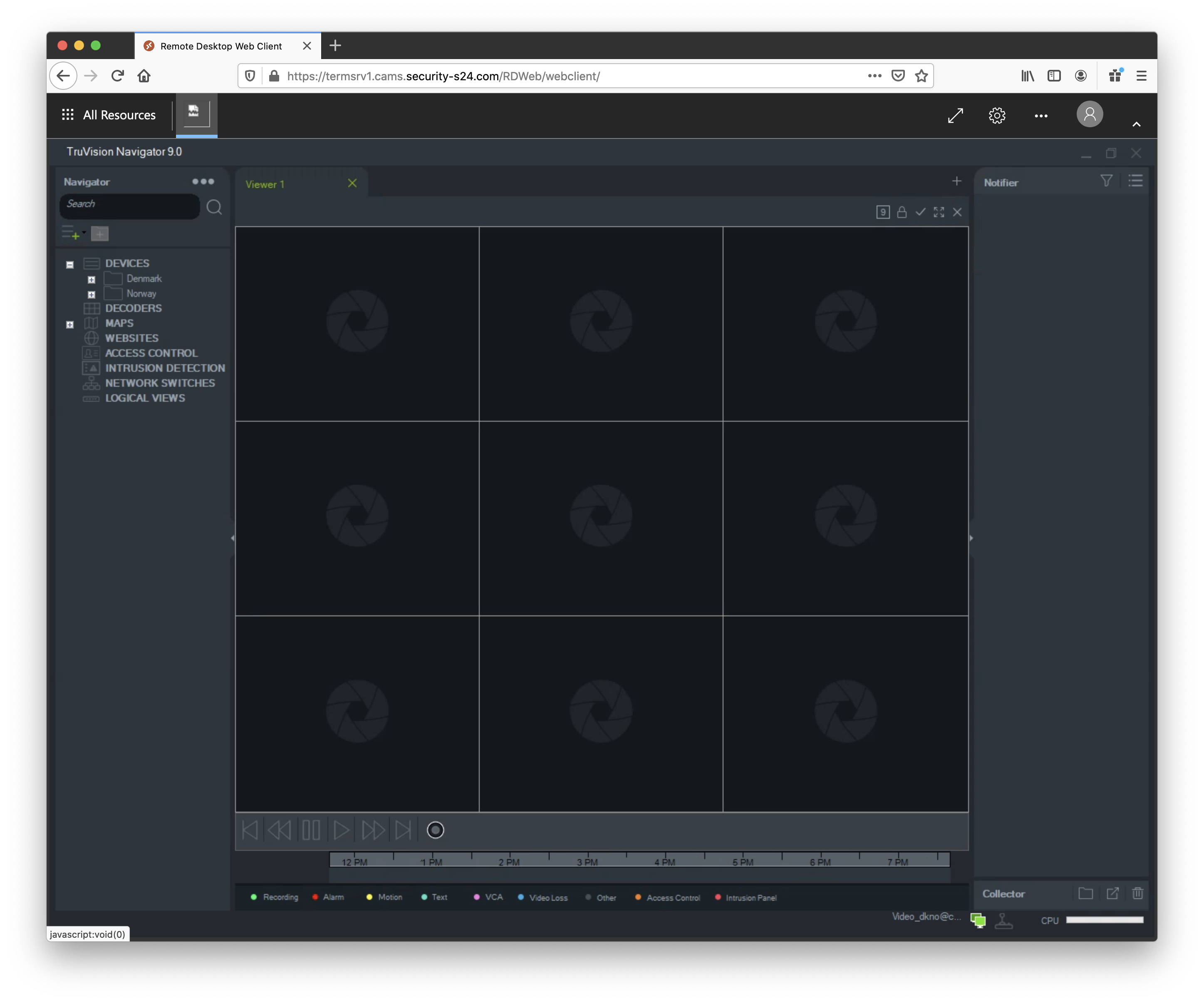
Getting Started
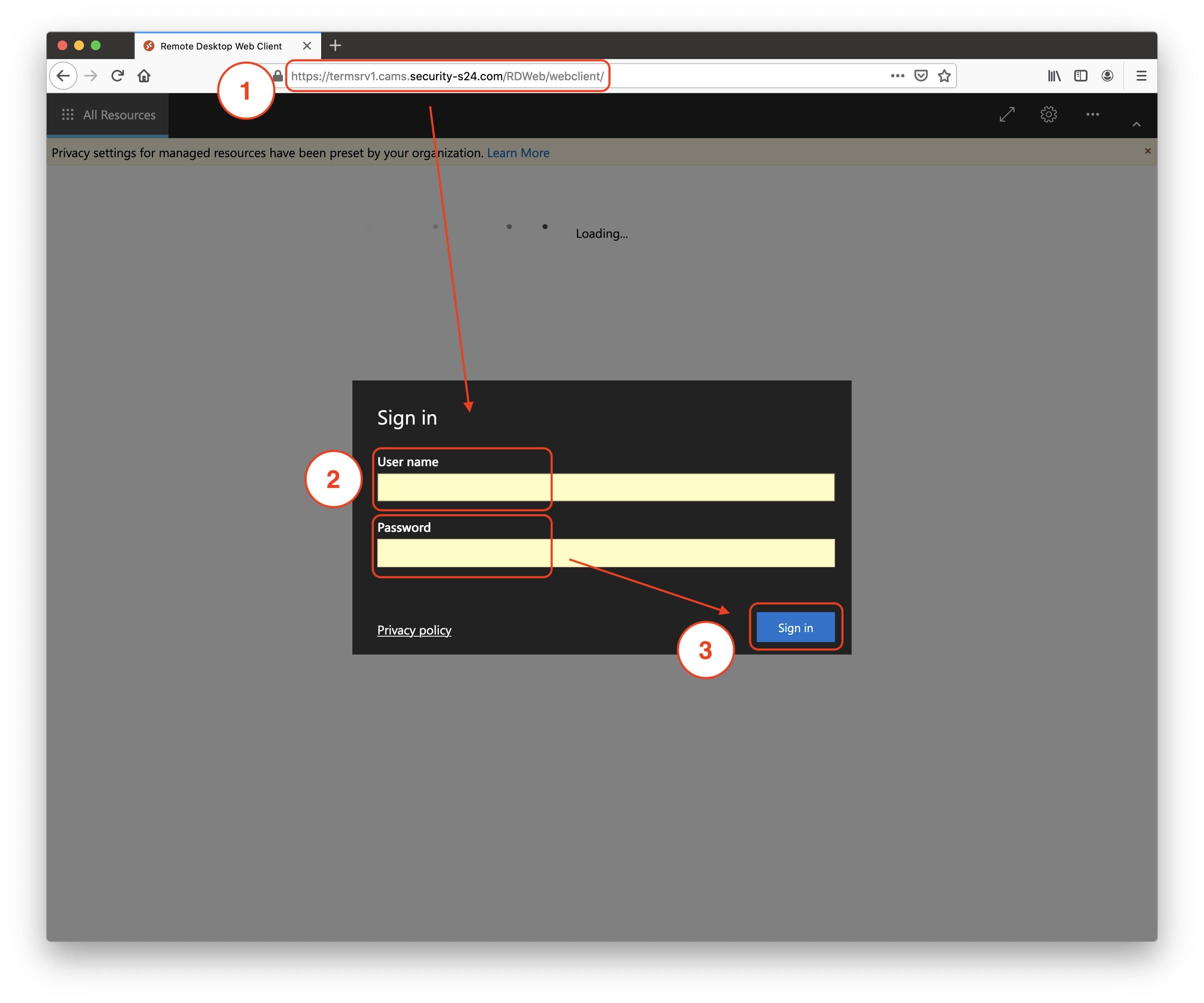
For connections from desktop PCs to the camera all you need to do is open the following website in your favorite browser:
https://termsrv1.cams.security-s24.com
Logging In
The website will ask you for a username and password, which you can get from your local IT administrator.
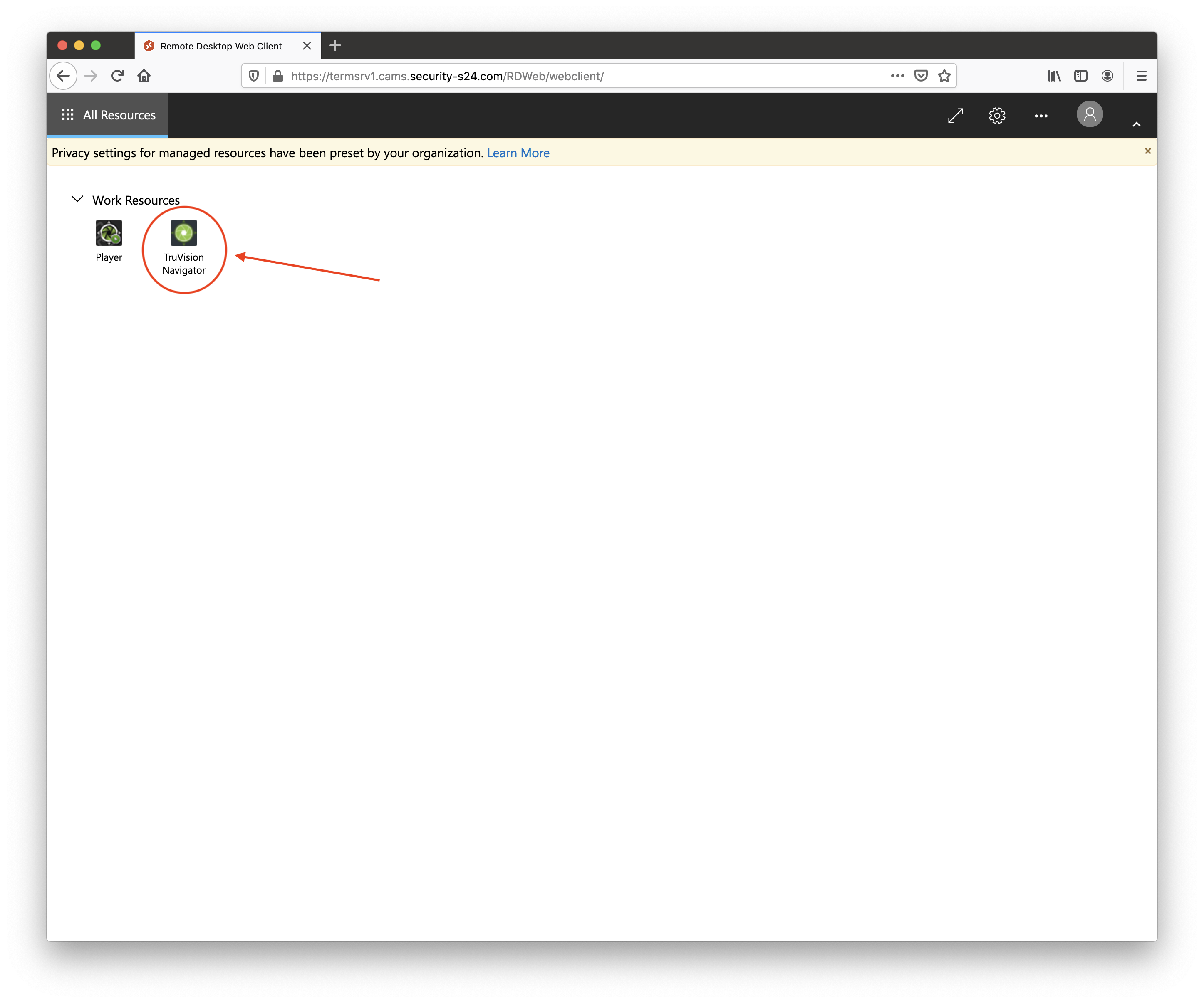
Starting the Camera Software
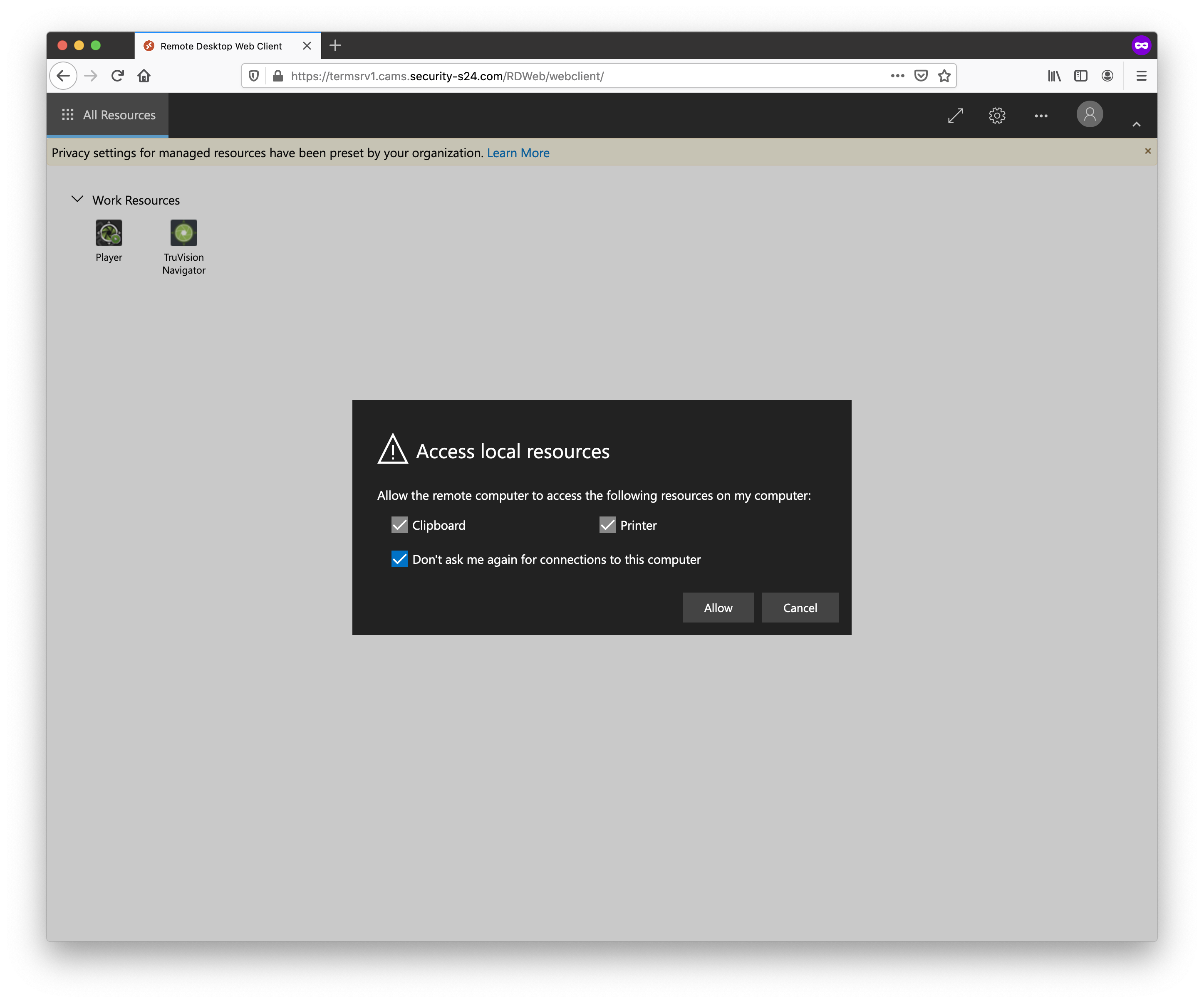
Click TruVision Navigator to open a connection to the server and to start the camera software.
Now you have to wait a moment until the connection has been established and the program is started.
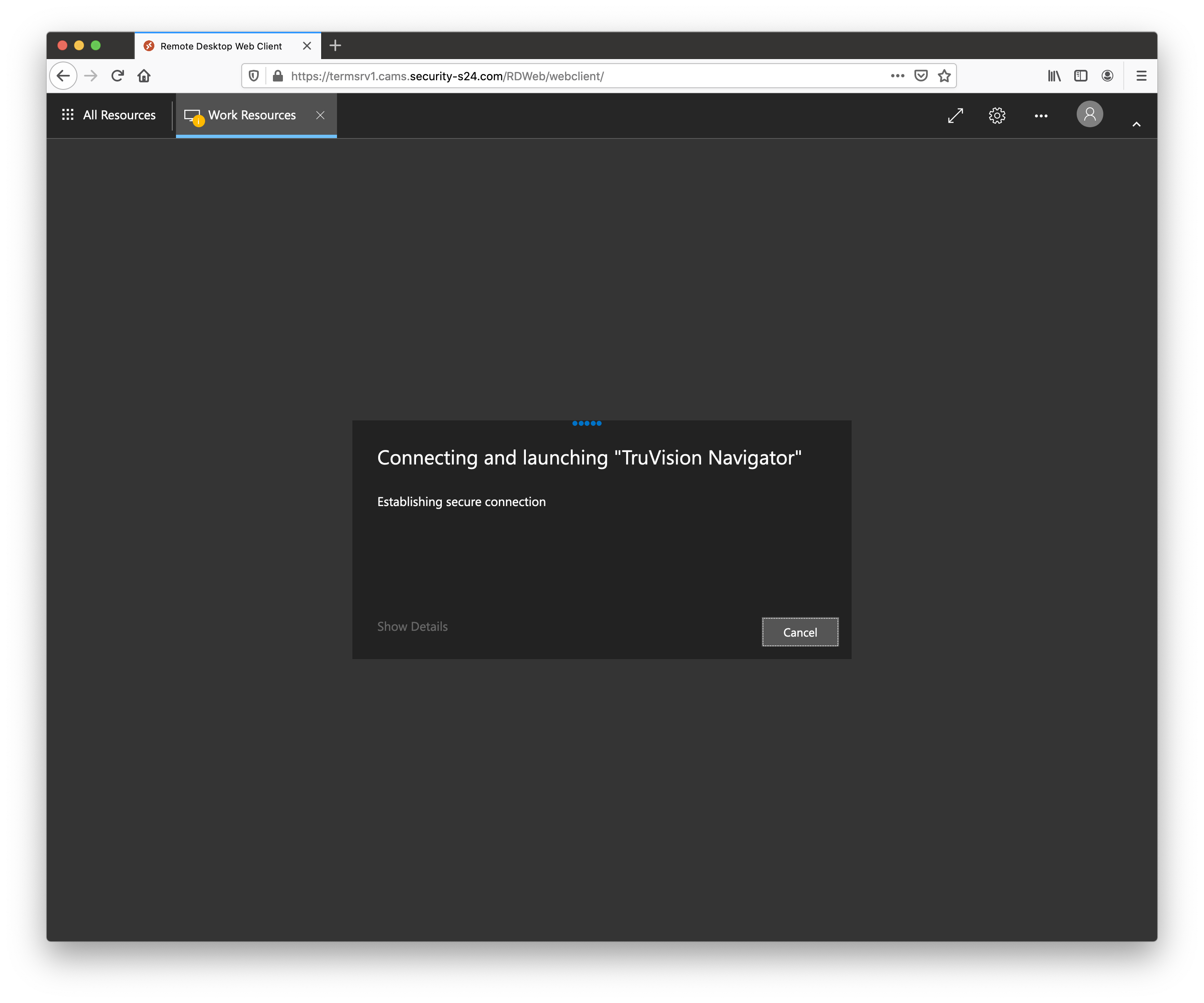
If this is the first time you opened the connection you will be asked if you would like to share local information with the server. If you would like to be able to copy and paste text between the cameras program and your local computer you must allow the access.
When everything is ready you should see the camera software.