Live Streaming a Camera Feed
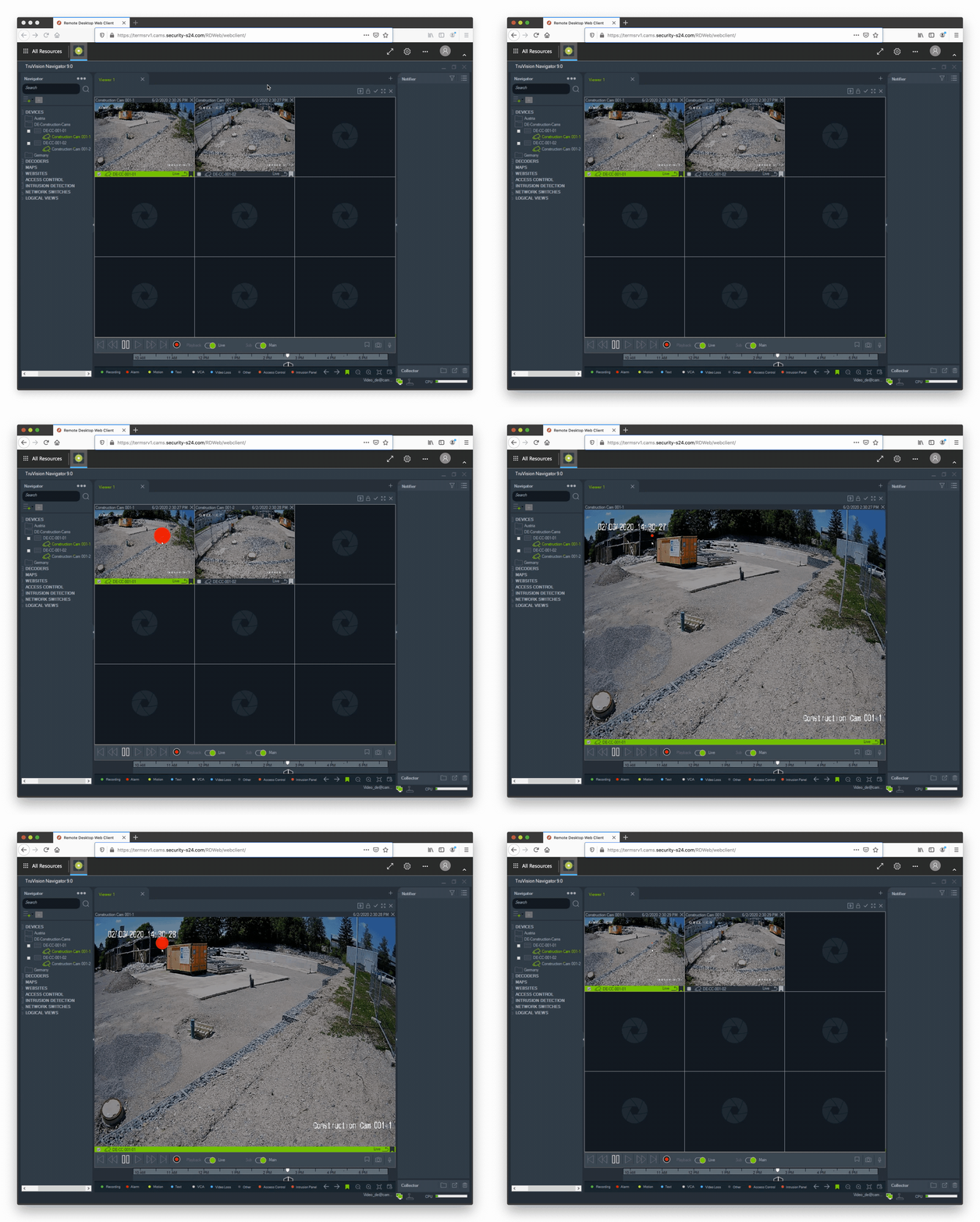
The first step is to select and open a camera. See the Camera Selection.
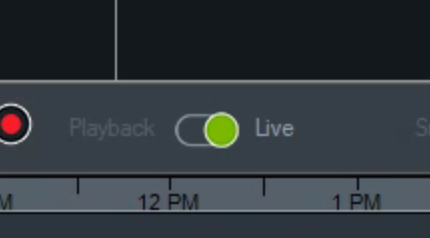
When a camera is open the default view will show you a live stream of it. You can verify this by making sure that the “Live” stream is selected.
To maximize the view just double-click on the picture. To go back to the grid view double-click on the picture again.